
Customers & Sales
Customer Unit Master
The Customer Unit Master creates or edits a customer business unit. Units are sub-entities of a parent customer such as branches, departments, or service locations. Access from Sales › Customer Units.
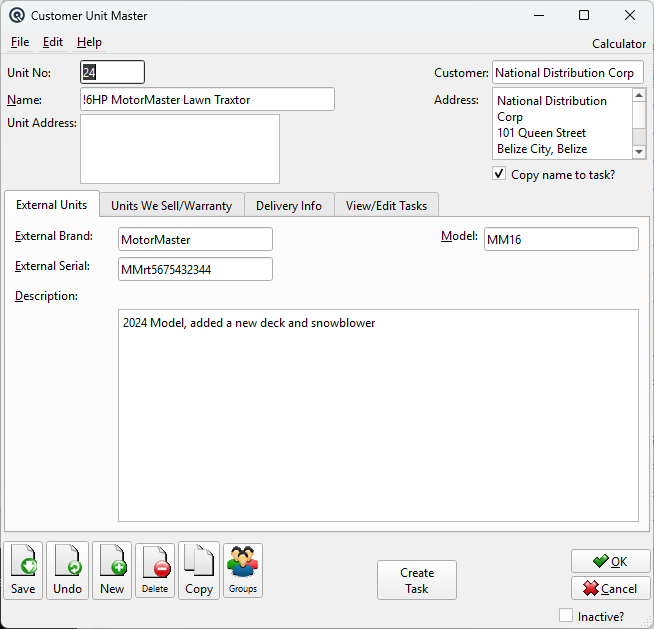
Header Fields
Unit NoA unique unit number. NameUnit name (e.g., "Downtown Branch", "Dept A"). CustomerThe parent customer this unit belongs to. Unit AddressAddress for this unit. Customer AddressRead-only address of the parent customer. Copy name to task?When checked, the unit name is copied when creating a service task. |
Tabbed Sections
|
The lower portion of the screen is organized into tabs. Select a tab to work with external customer units, units sold with warranty tracking, delivery details, or associated service tasks. |
External Units Tab
|
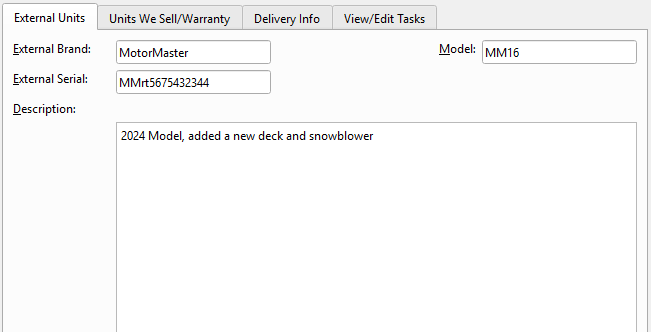
Equipment or units owned by the customer and serviced at your location. External BrandBrand of the external unit. ModelModel of the external unit. External SerialSerial number of the external unit. DescriptionFree-form description of the external unit. |
Units We Sell/Warranty Tab
|
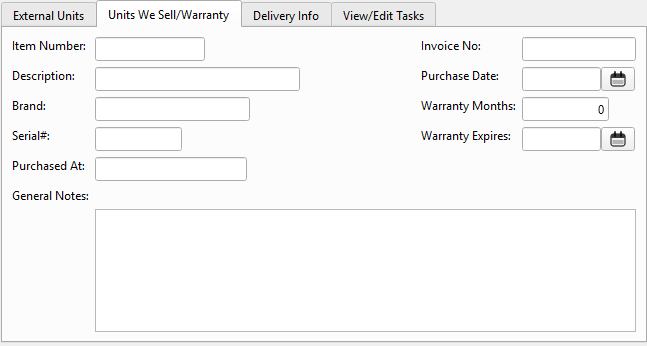
Units sold to the customer with warranty tracking. Item NumberItem sold to the customer. DescriptionRead-only item description. BrandRead-only item brand. Serial#Serial number of the sold unit. Purchased AtStore where the unit was purchased. Invoice NoInvoice that sold this unit. Purchase DateDate the unit was purchased. Warranty MonthsWarranty period in months. Warranty ExpiresCalculated warranty expiration date. General NotesFree-form notes about the unit. |
Delivery Info Tab
|
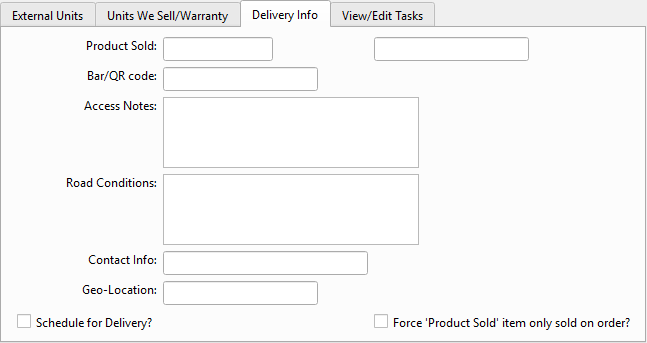
Delivery schedule and routing information for this unit. Product SoldItem scheduled for delivery. Product Sold DescriptionRead-only description of the product sold. Bar/QR codeBarcode or QR code for the delivery. Access NotesNotes about site access for delivery. Road ConditionsRoad condition notes for delivery routing. Contact InfoContact person for delivery. Geo-LocationGeographic location or coordinates. Schedule for Delivery?Mark the unit for delivery scheduling. Force 'Product Sold' item only sold on order?Restrict sales to the product sold item only. |
View/Edit Tasks Tab
|
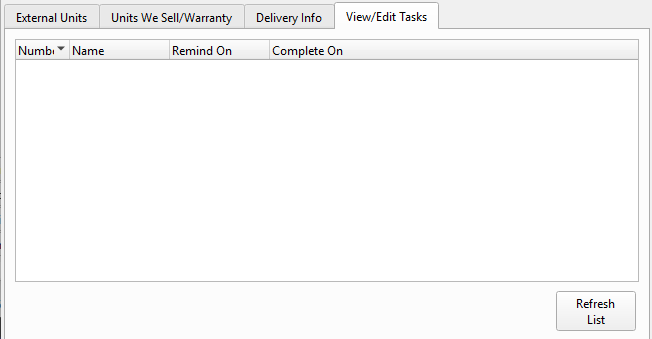
Work orders and service tasks associated with this customer unit. Tasks ListList of tasks with number, name, remind date, and completion date. Double-click a task to edit. Refresh ListReloads the task list from the database. |
Action Button
Create TaskOpens a new Task Master pre-filled with this unit and customer. The unit name is copied if Copy name to task? is checked. |
Standard Buttons
SaveSaves the customer unit record. DeleteDeletes the customer unit record. CopyCreates a duplicate unit record with a new number. Prints the unit record. |
Related Screens
| Customer Unit List | Customer Master | Task Master |
| Quasar Accounting 7.1 • © Linux Canada Inc. • Table of Contents |