
Accounts & Ledger
Preliminary Year End
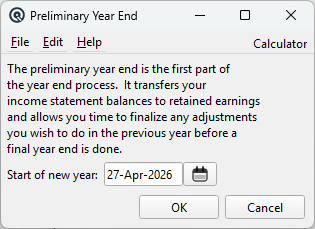
The Preliminary Year End transfers income statement (P&L) balances to Retained Earnings and advances the fiscal year start date. This step is reversible — adjustments can still be made to the prior year before running the Final Year End. For a complete walkthrough, see the Quasar Guide. Access from Ledger › Year End › Preliminary.
Fields
Start of new yearThe first day of the new fiscal year. This date must be after the current start-of-year stored on the company record. All income statement account balances up to the day before this date are transferred to Retained Earnings via a General Journal entry. Tip: Type d for today, m for start of month, a for start of year, or click the calendar button. |
What Happens
|
For each store, Quasar: 1. Reads the balance of every income statement account as of the day before the new year start. If any store has a close date after the start-of-new-year date, the process is blocked with an error. |